 Thicket
Erithacus rubecula Robin, back garden, 07:42
Your wildlife journal,
right on your PC
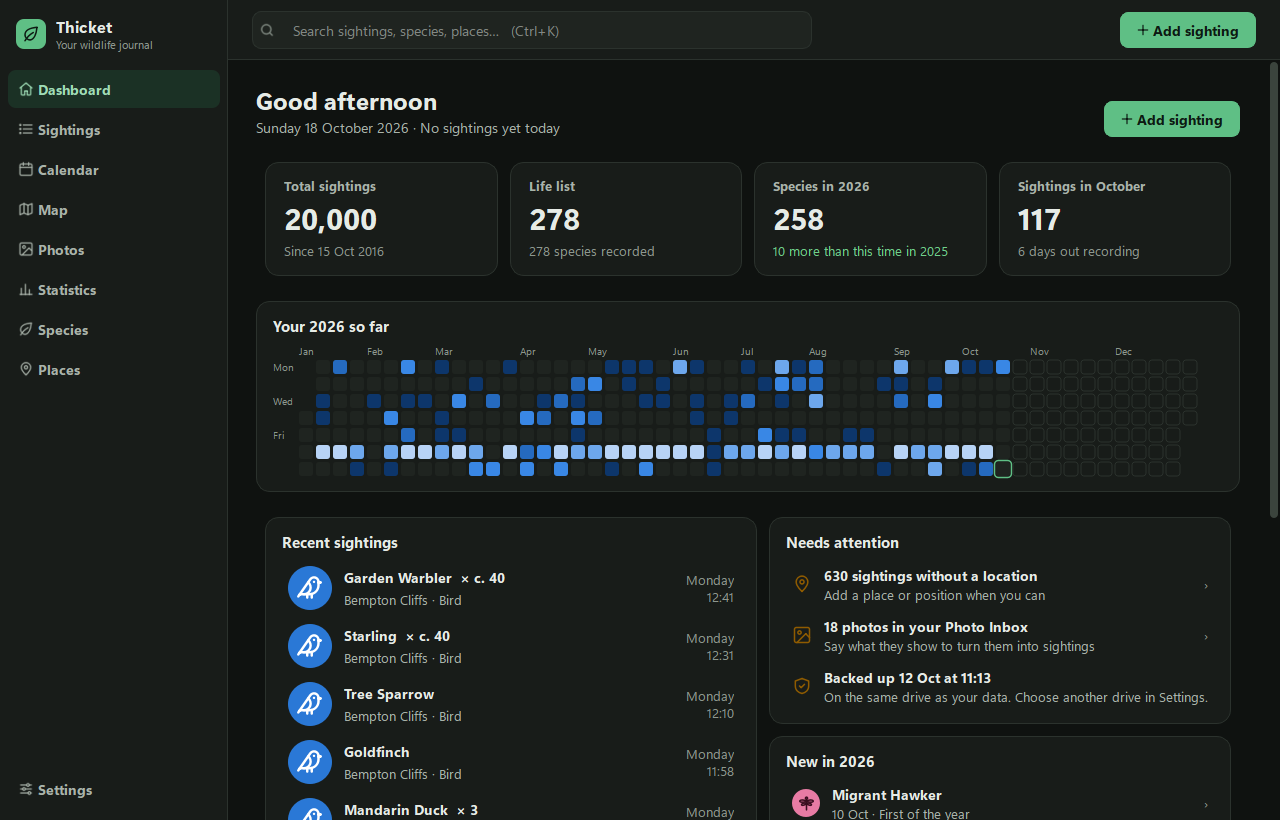
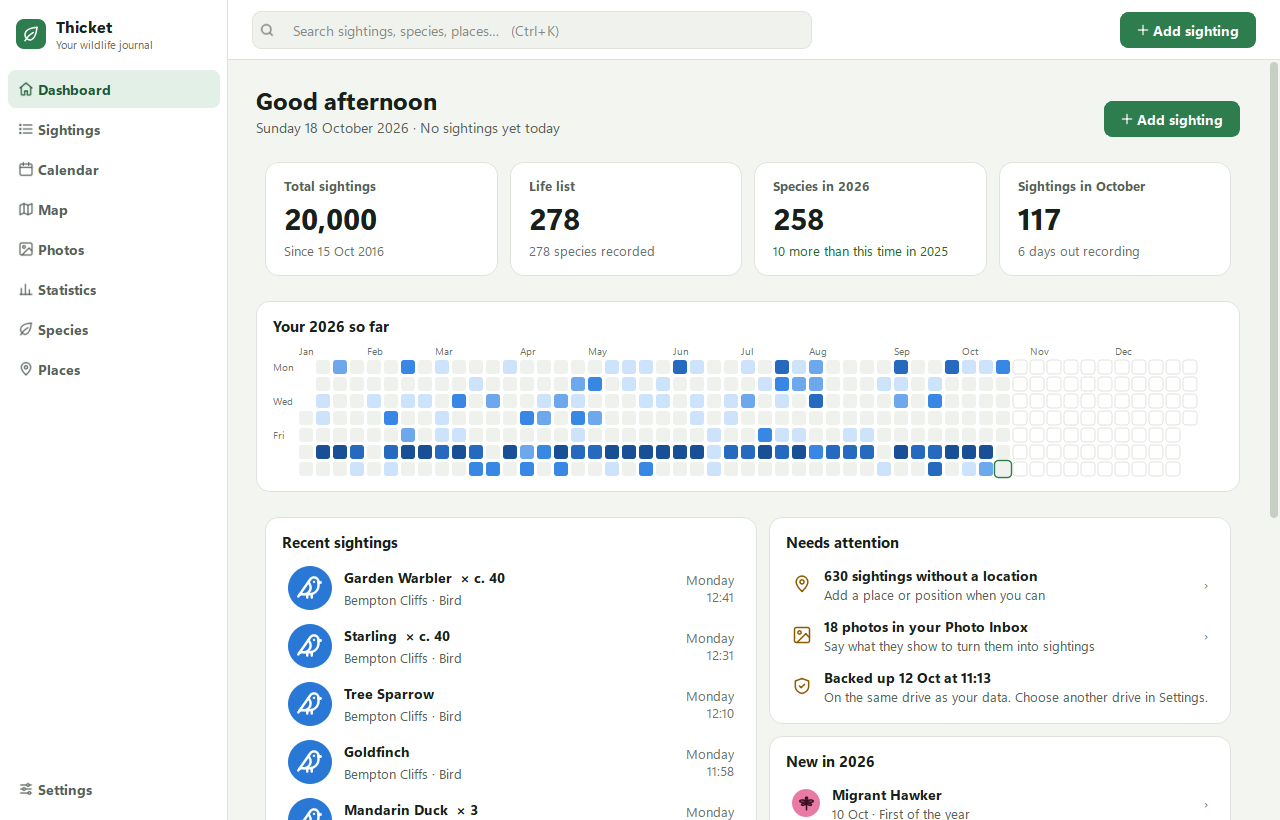
Record what you see in seconds. Then explore every sighting on a calendar, a map and in statistics, with your photos alongside.
Free. No account. Installs without an administrator password.
Downloads Thicket-Setup.exe (about 150 MB), always the newest version. Windows may warn you the first time: here's what to do.
Why Thicket
-
Quick to record
Start typing a name and pick the species. Today's date, the time and your last place fill themselves in, so a sighting takes seconds.
-
Yours, on your PC
Your sightings and photos stay on your own computer, backed up automatically. No account, no cloud, no adverts.
-
UK and US species
Every UK species is built in. Recording in the United States? Each state's species pack downloads in a few seconds.
See it in action
A 40-second tour, with birdsong (turn your sound on).
What the video shows
- Adding a sighting: typing "gold" suggests Golden Plover, Goldeneye and Goldfinch. Goldfinch is picked, then the Garden, a count of "c. 40", and Save. The dashboard updates straight away.
- The calendar for October, then its busiest day opening beside it: 57 sightings of 49 species.
- The map of Britain with clusters of sightings, a zoom towards London, then the heat map.
- Statistics for the year: totals, the species list growing compared with last year, and the most-seen species.
- The year's species list, with Chiffchaff's profile: its sightings, best count and the months it's seen.
Ready to start your journal?
Already keep records on iNaturalist, eBird or in a spreadsheet? Thicket imports them, iNaturalist photos included.
Download for Windows